What is the Gradient Glow Background effect?
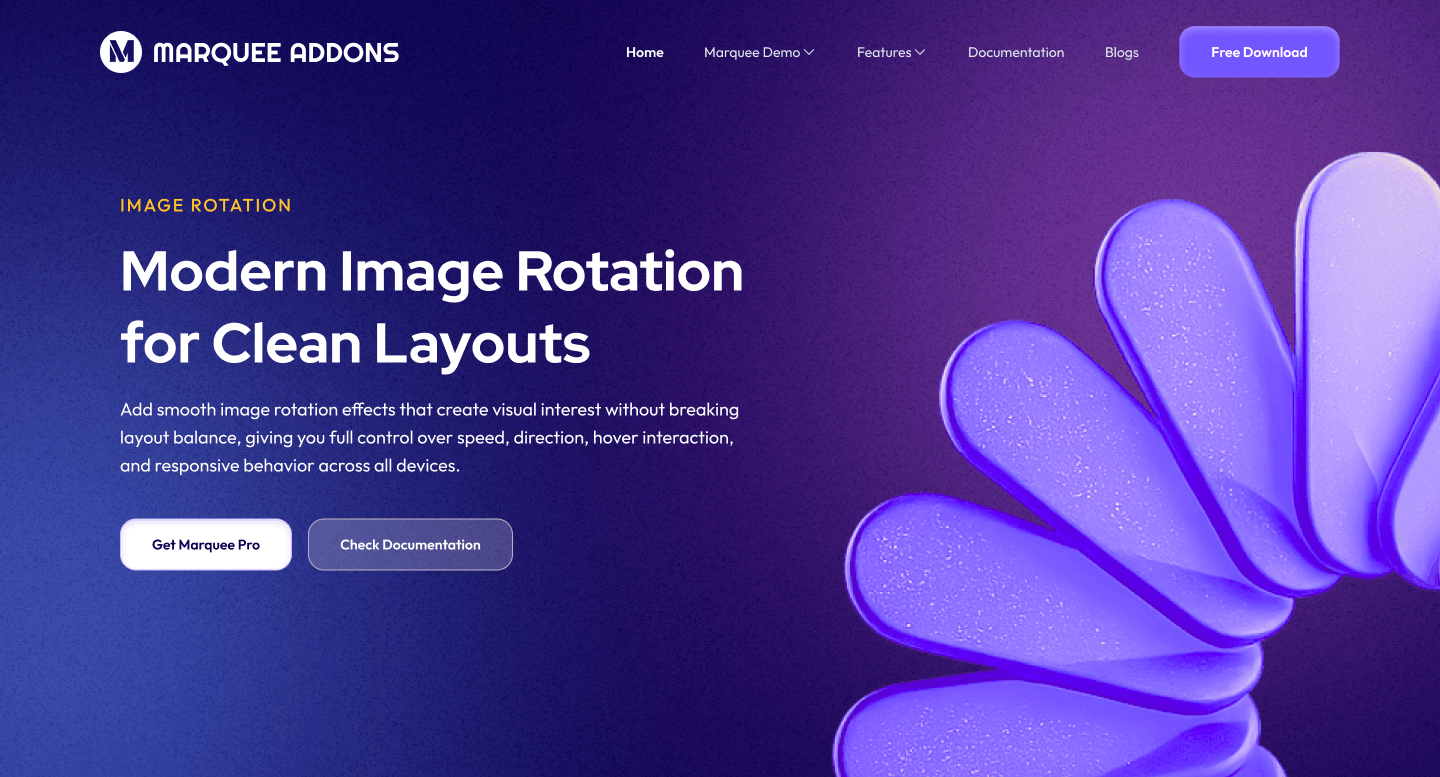
The Gradient Glow Background effect is a dynamic background option available in the MA Background extension of Marquee Addons Pro. It adds floating, glowing light elements (“glow balls”) to an Elementor Container, creating a soft, atmospheric background that enhances visual depth without distracting from content. This effect is ideal for modern, high-impact sections that need subtle motion and focus.
Common use case
A common use case for the Gradient Glow Background effect is in call-to-action (CTA) sections, where softly moving glows help draw attention to buttons, headlines, or signup forms while maintaining a clean and elegant layout.
Additional use cases
- Hero sections: Add depth and visual interest without heavy animations.
- Marketing banners: Highlight offers or announcements with subtle glow motion.
- SaaS landing pages: Create a premium, modern background aesthetic.
- Footer sections: Add gentle motion to guide attention toward important links.
Requirements
To use the Gradient Glow Background, you need to have the following:
- You need the Marquee Addons Pro plugin installed and activated on your website.
- You can find detailed installation instructions in our installation guide.
- Make sure that this addon is enabled so you can find it in the Elementor editor.
- Marquee Addons works only with the Elementor Page Builder plugin, so you will need to have it installed and activated as well.
Add the extension
The Gradient Glow Background isn’t a standalone widget; it is an enhancement found within the settings of any Container.
- Open your Elementor editor and select an existing Container or drag a new one onto the canvas.
- Go to the Style Tab in the panel.
- Locate the section labeled MA Background.
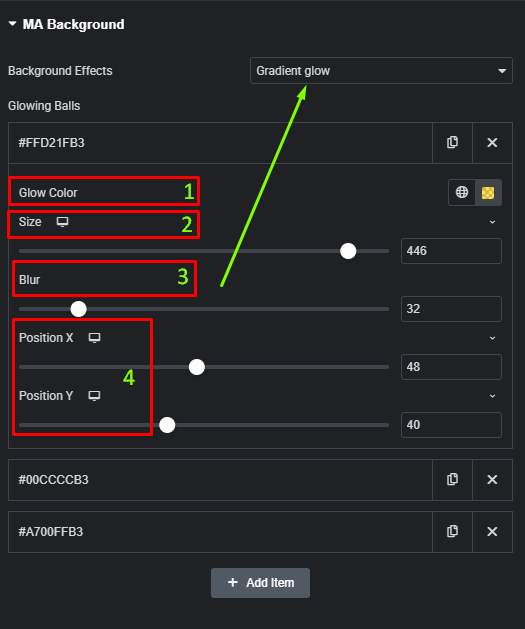
- Toggle the Background Effects dropdown to choose Gradient Glow.
Video Tutorial for Gradient Glow Background effect
See a video demonstrating the effect in action.
Settings for the Gradient Glow Background effect
All Gradient Glow controls are located in the Style tab of the selected Container.
- Glowing Balls (Repeater): Add multiple glow items.
- Glow Color: Set the color of the individual glow.
- Size: Adjust the radius of the glow.
- Blur: Control how much the glow bleeds into the background.
- Position X/Y: Precisely place the glow on a 0-100 scale (Responsive enabled).