What is the MA Background extension?
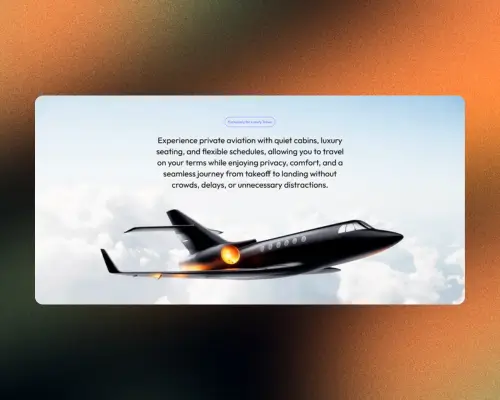
The MA Background extension is a powerful control in Marquee Addons Pro that allows you to apply dynamic, animated background effects to any Elementor Container. Instead of static colors or images, you can create immersive environments using animated beams, aurora flows, interactive grids, and glowing gradients to make your website sections stand out.
Common use case
Use the MA Background extension to create high-converting hero sections. By adding a subtle “Aurora” or “Gradient Glow” effect, you can draw immediate attention to your Call to Action (CTA) buttons and headlines without cluttering the page with heavy video files.
Additional use cases
- Tech & SaaS Landing Pages: Apply the “Grid Box” effect to sections to give them a modern, “blueprint” or “developer” aesthetic.
- Interactive Portfolios: Use the mouse-reactive “Grid Box” to make your work sections feel alive and responsive to user movement.
- Dynamic Footers: Add “Beam” animations to footers to guide the user’s eye toward social media links or contact forms.
Requirements
To use MA Background, you need to have the following:
- You need the Marquee Addons Pro plugin installed and activated on your website.
- You can find detailed installation instructions in our installation guide.
- Make sure that this addon is enabled so you can find it in the Elementor editor.
- Marquee Addons works only with the Elementor Page Builder plugin, so you will need to have it installed and activated as well.
Add the extension
The MA Background isn’t a standalone widget; it is an enhancement found within the settings of any Container.
- Open your Elementor editor and select an existing Container or drag a new one onto the canvas.
- Go to the Style Tab in the panel.
- Locate the section labeled MA Background.
- Toggle the Background Effects dropdown to choose your desired animation.
Available MA Background effects
Each background effect has its own dedicated documentation with detailed settings and examples:
- Beam Background Effect – Animated light streaks that move across the section
- Aurora Background Effect – Smooth, flowing gradient animations inspired by aurora lights
- Grid Box Background Effect – Structured, mouse-reactive grid patterns
- Gradient Glow Background Effect – Floating glowing elements for soft visual depth
- Light Pulse Background Effect – Soft, rhythmic light pulses that create a subtle animated glow across the section
Explore MA Background Effects in Detail
Explore each MA Background effect in detail with these dedicated guides:
- Learn how to use the Beam Background Effect
- Learn how to create flowing gradients with Aurora Background
- Explore interactive designs with Background Box
- Add depth using Gradient Glow Background
- Learn how to create the Light Pulse Background Effect